
Ask Revaluator
An assistant that does the work, not one that talks about it.
Ask Revaluator sits beside the map. It uses the same tools the buttons use — selection, bundles, layers, video, comps, the sandbox, the property record — so when you ask it to find something, it finds it on your map; when you ask it to change something, the change goes through the same rules, checks and review as a hand edit. It works on the same staging copy as everything else, it never touches live CAMA data, and a county can turn it off.
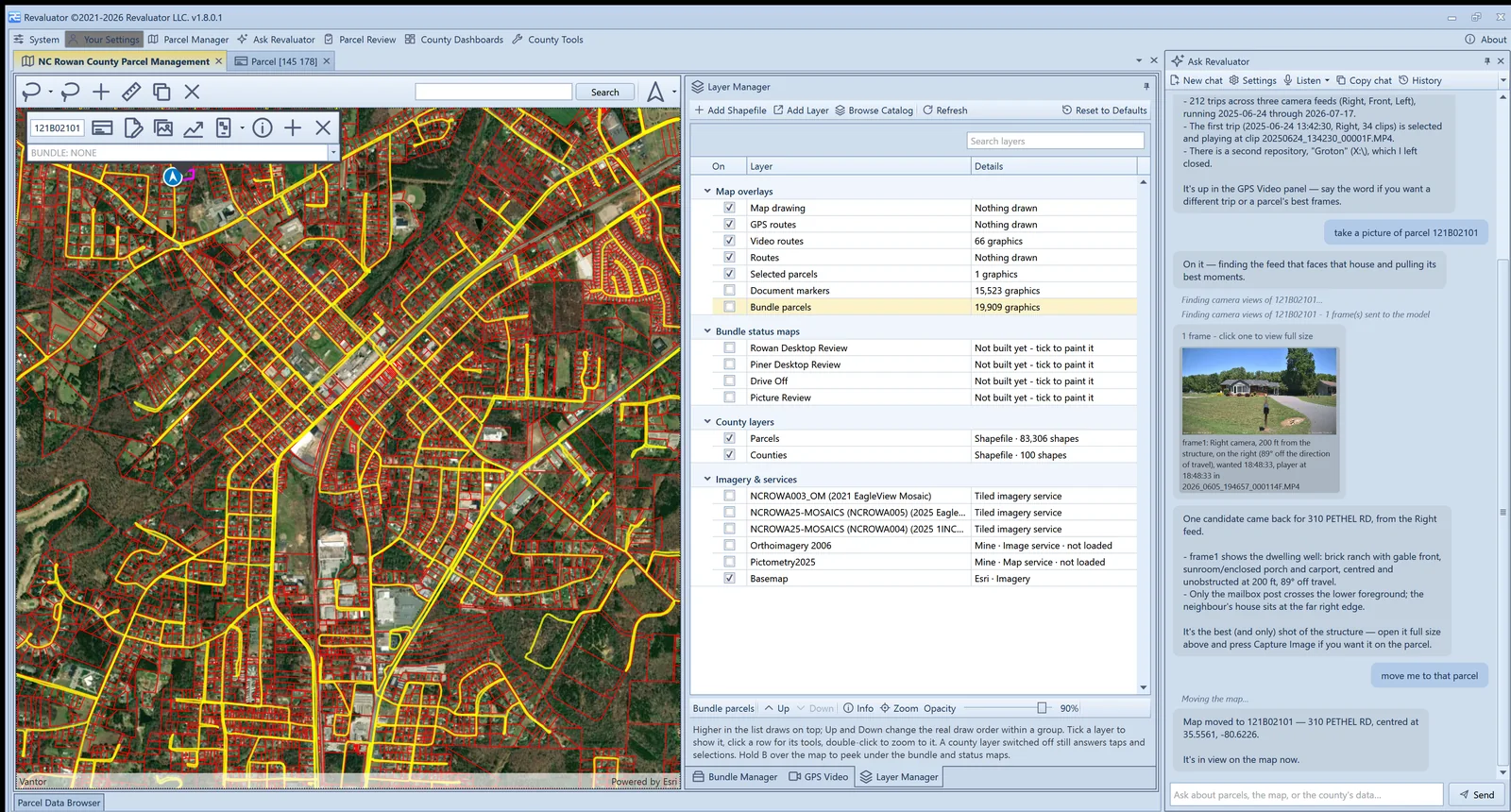
On the map
“Show me the vacant lots in that subdivision.”
It searches the parcel table, the CAMA extract and the county's own layers, keeps the answer as a named set, and draws it on the map. Lasso a neighbourhood, add it to a bundle, zoom to a street corner, switch the basemap, turn a layer on — by asking.
- Parcel, address, owner and CAMA field lookups with filters and counts
- Spatial queries around a point, a parcel, or an intersection
- Bundles created, filled, assigned, split and moved by conversation
- Layers found in the catalog, added, restyled and reordered
In the record
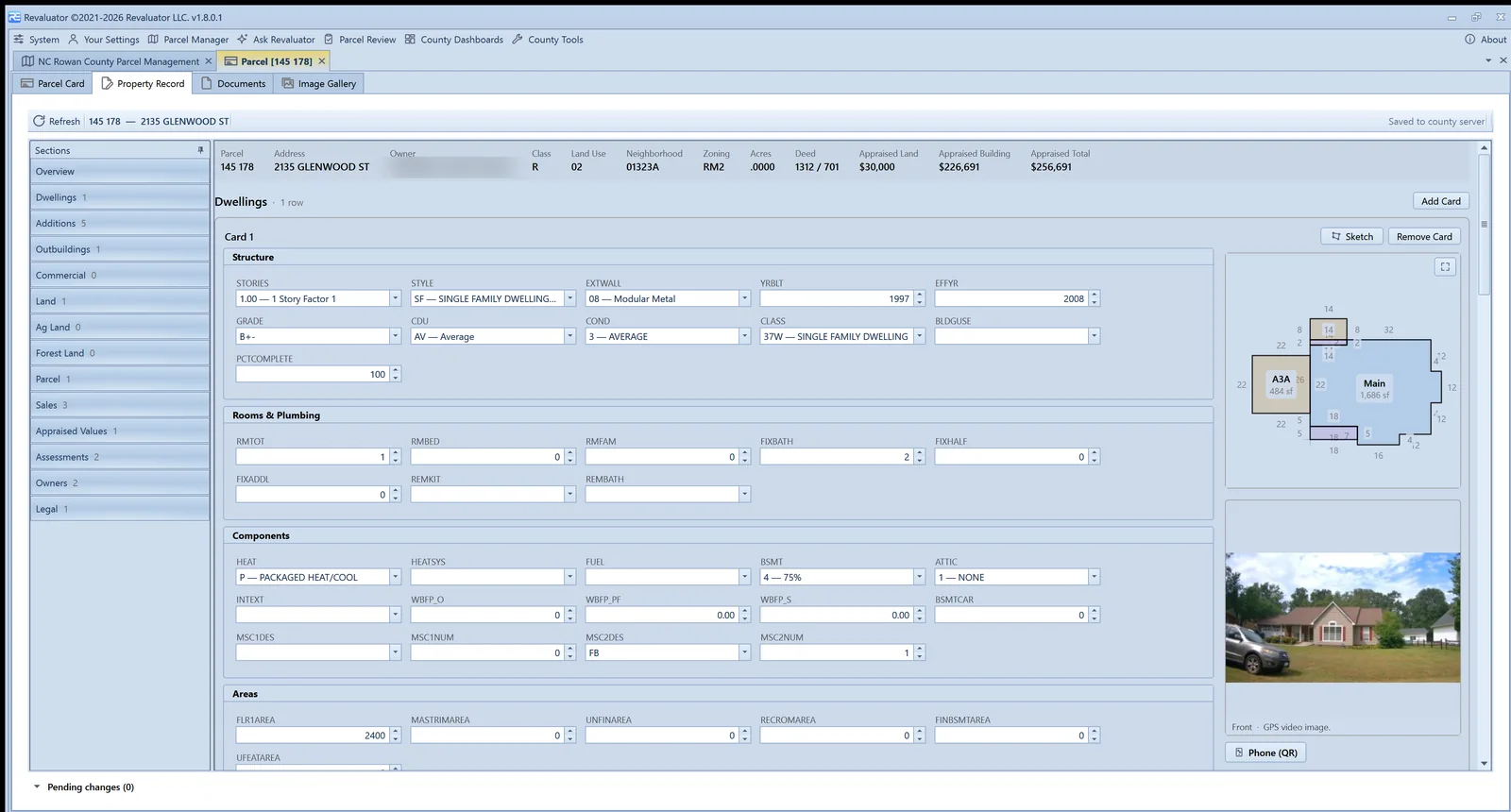
“Change the heat on card 2 to a heat pump.”
Record edits through the assistant call the editor's own code. It describes the parcel first, asks which card when it's ambiguous, resolves a description to the county's code, refuses a code the county doesn't use, and confirms before removing anything. The change lands in the same pending list, with the same highlight, the same field check and the same review as if you'd typed it.
- Editable tables only; keys, dollars and system columns stay locked
- Sketch walls, codes and vectors editable on the same document the editor shows
- Comps found, sent to the sandbox, solved and studied
- Analysis criteria set and reports run on any tab
Evidence
“Take a picture of that parcel.”
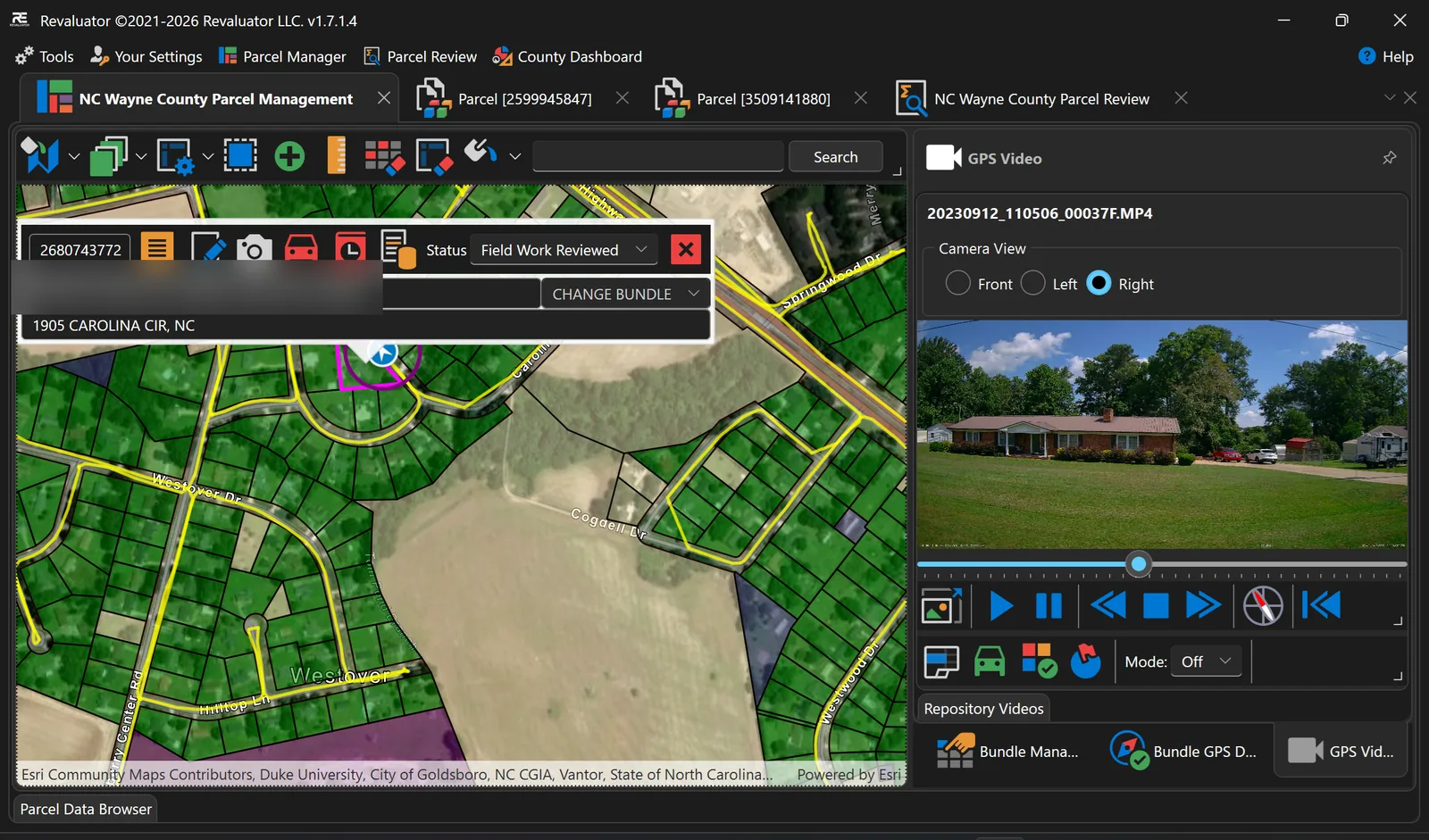
From the GPS video, it works out where the car was, which camera faced the house and at what distance, picks the best moments from that one feed and shows them as a strip. You choose the frame; it captures it onto the parcel through the same button the video panel uses. It can also look at the parcel card and outline the sketch on it.
- Front, left, right and rear feeds scored by bearing and distance
- Frames shown, never captured without being asked
- Card markup: outline, circle or label drawn where you point it
- Voice input from any microphone; chat history kept per user
Safe and effective
It has your rights, not more. And it never touches live data.
Never live data
Revaluator is a staging copy of the county — the CAMA extract, its own tables, its own change log. The assistant can only ever change what a person could, in that copy, and nothing reaches the system of record until a reviewer approves it.
Fully disableable
The assistant is a permission like any other. Withhold it from a role, give it only to the people who need it, or leave the API key blank and it isn't there at all. The rest of the platform works exactly the same without it.
Everything logged
Every record change carries who made it, when, on which machine, and what it was before — whether a person typed it or asked for it. Chats are kept per user and can be read back or deleted at any time.
Bound by your role
Every tool carries the same permission as its button. A user who can't delete a bundle can't ask the assistant to; it will say so and name the permission. Roles can even withhold the assistant itself.
Same rules as a hand edit
Record changes are validated against the county's code tables and field checks, logged with who and when, and reviewed line by line before they can go anywhere near the CAMA system.
Asks before it destroys
Reversible actions run directly. Deleting a bundle, removing parcels, replacing an edited sandbox group, resetting layers — it confirms first, every time.
How it's built. Ask Revaluator runs on a leading commercial language model behind an interface the county controls, with tools that call the application's own code — the button's handler, not a copy of it. Chats are kept on the user's machine, one file per conversation, and can be deleted individually or all at once.
Want to see the assistant on your county's data?
Bring a few parcel numbers and a question you'd normally have to dig for. We'll ask it together.